Our Projects
Where ideas become adventures.
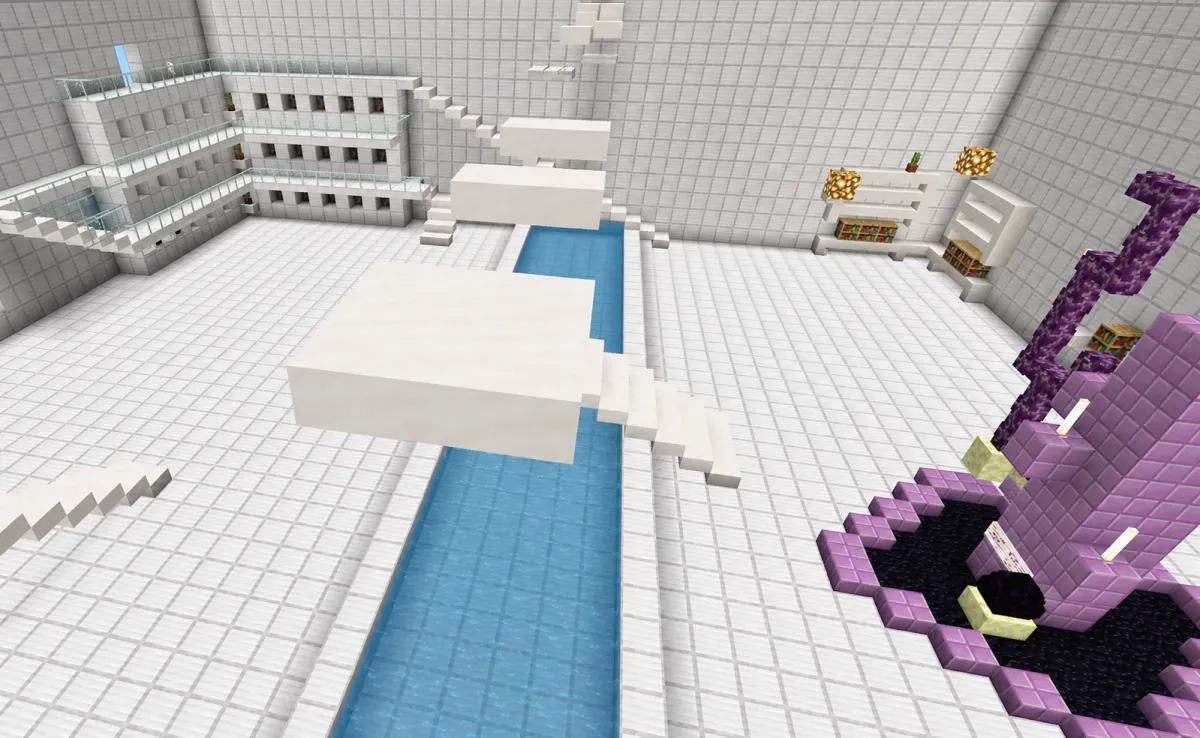
Techno Parkour
Status:
In Development
Parkour Map
Iron War Hammer
Status:
Complete
Add on
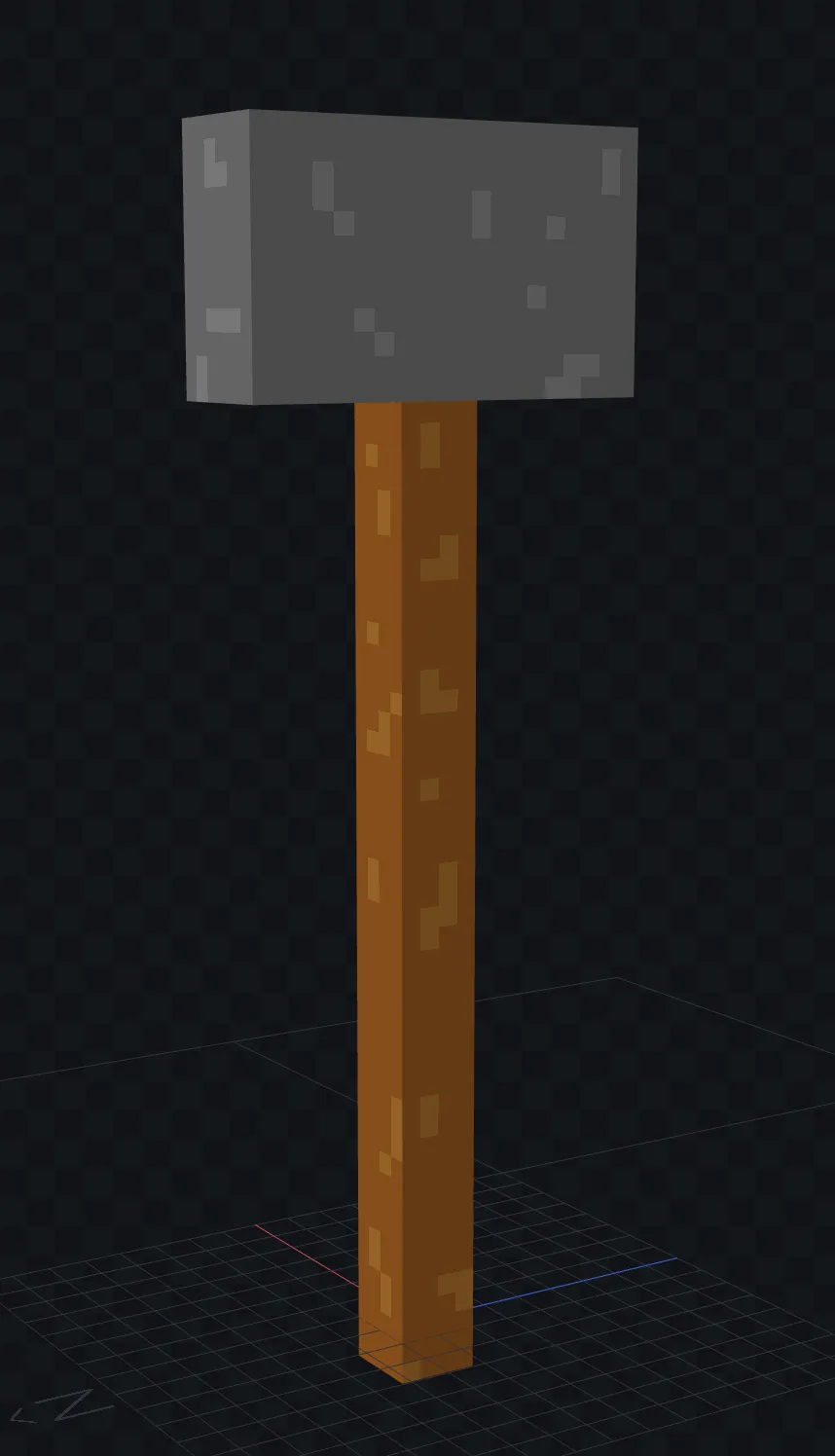
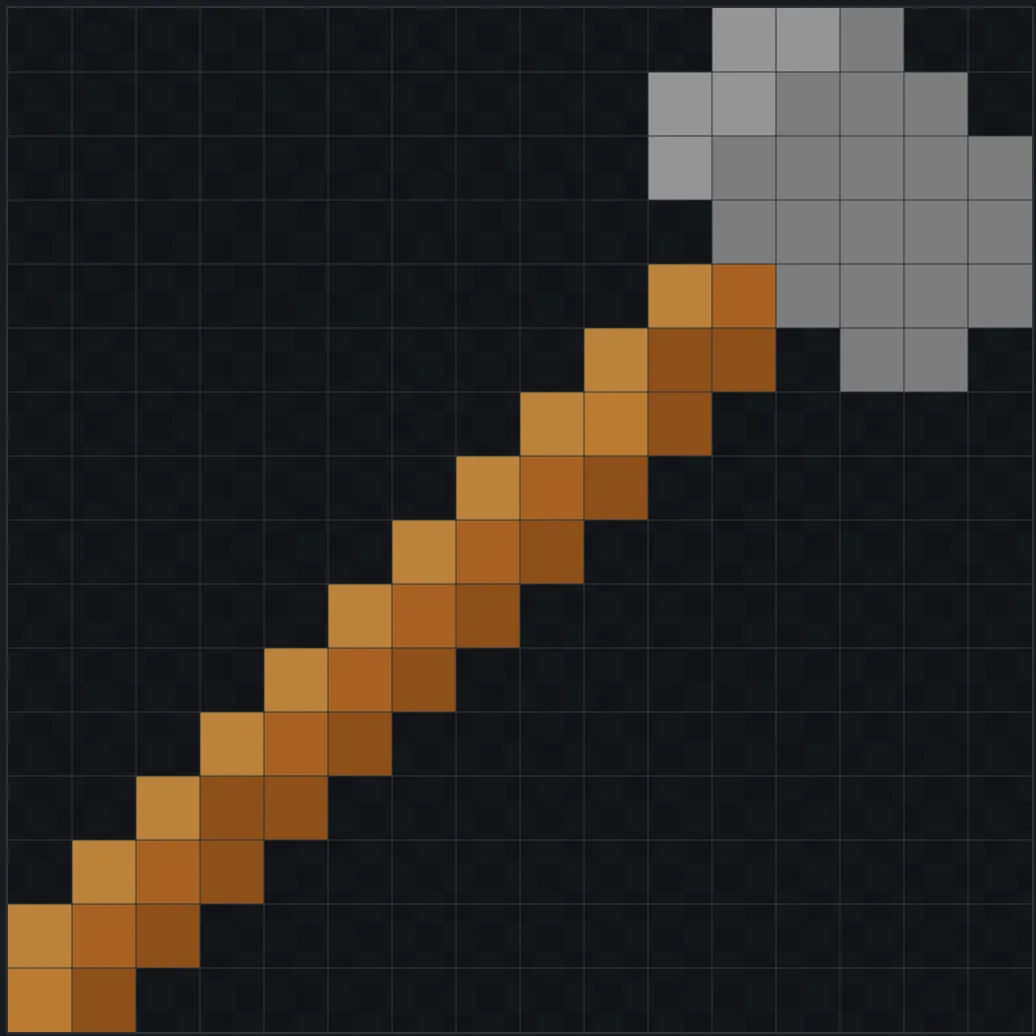
Download this add-on and start playing today.
How to Download and Play a .mcaddon File (Windows)
Download the file
Make sure the file ends with .mcaddon (not .zip or anything else).
Install the add-on
Double-click the .mcaddon file. It should automatically open in Minecraft Bedrock Edition and begin importing.
→ You’ll see a message like “Import Started” then “Successfully Imported”.
Open Minecraft
Launch the game if it doesn’t open automatically.
Activate the add-on Go to Play Either create a new world or edit an existing one Scroll to Behavior Packs and/or Resource Packs Find your add-on and click Activate
Play the world 🎮
Load in and your add-on should now be working.
Common Issues (Quick Fixes)
If it doesn’t import → make sure it’s .mcaddon, not .zip
If nothing shows up → restart Minecraft
If it still fails → try re-downloading the file (it might be corrupted)
COMPANY
CUSTOMER CARE

© 2026 EnderCore. All Rights Reserved.